
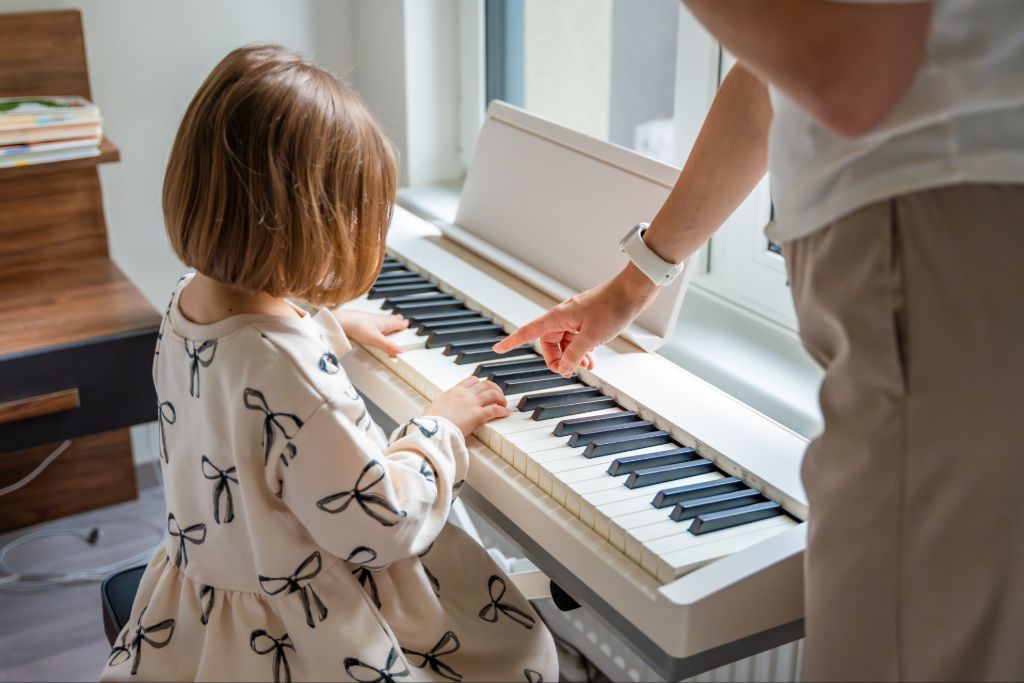
Young pianists in New York City deserve engaging tools that spark musical curiosity and sustain daily practice. Digital learning applications transform routine drills into interactive challenges that build foundational note-reading and rhythm skills.
The PrivatePianoLessons faculty evaluates dozens of piano applications annually. Our 48 instructors test these software tools with students during 1-on-1 in-home lessons across Manhattan, Brooklyn, Queens, The Bronx, and Staten Island. This direct instructional experience informs our recommendations for families seeking effective digital practice companions.
Best Piano Learning Apps for Kids to Start From Scratch
Digital piano platforms provide structured learning sequences for beginner students starting from scratch. Interactive applications deliver instantaneous pitch detection, gamified visual cues, and scaffolded lessons that reinforce foundational music literacy at home.
Each software application targets distinct developmental stages, age brackets, and motor skill levels. Parents should evaluate three primary factors before choosing a platform: attention span, tactile maturity, and specific musical goals.
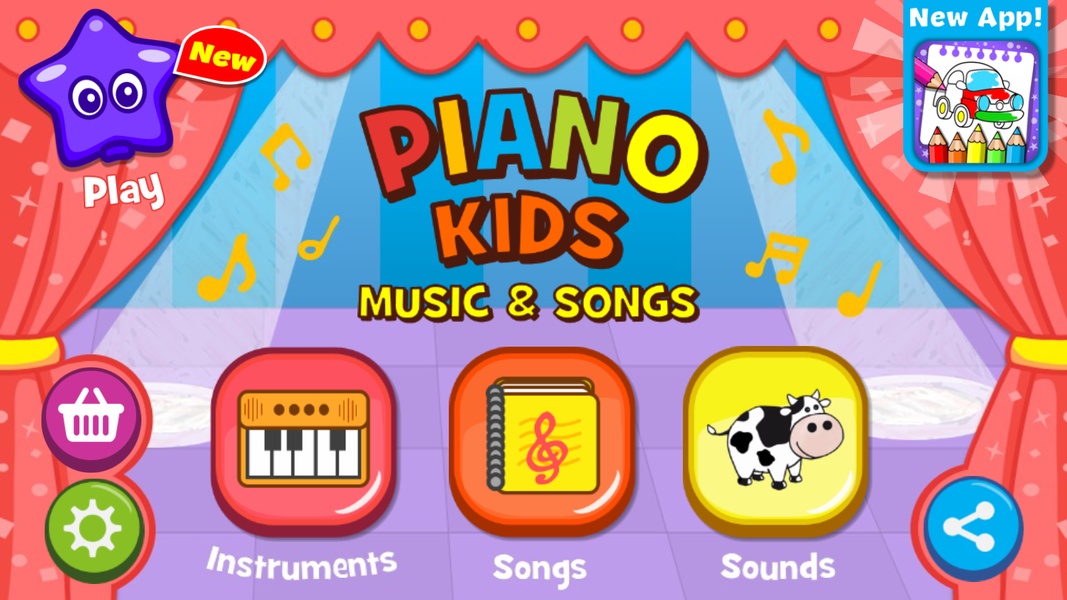
Piano Kids – Music & Songs: Best for Preschoolers
Piano Kids transforms touchscreens into multi-sensory musical playgrounds tailored for early childhood education. The application features colorful animations, animal soundscapes, and large interactive keys that introduce pitch discrimination to toddlers aged 3 to 5 years.
Young learners explore essential musical concepts by playing familiar nursery songs. The platform introduces various acoustic instruments, such as drums, xylophone, and saxophone, while reinforcing basic rhythmic pulses and finger coordination.
Target age range: 3–5 years old. Compatible with iOS and Android devices. Features an ad-free interface designed for young children.
Simply Piano: Popular for Self-Learning and Sight Reading
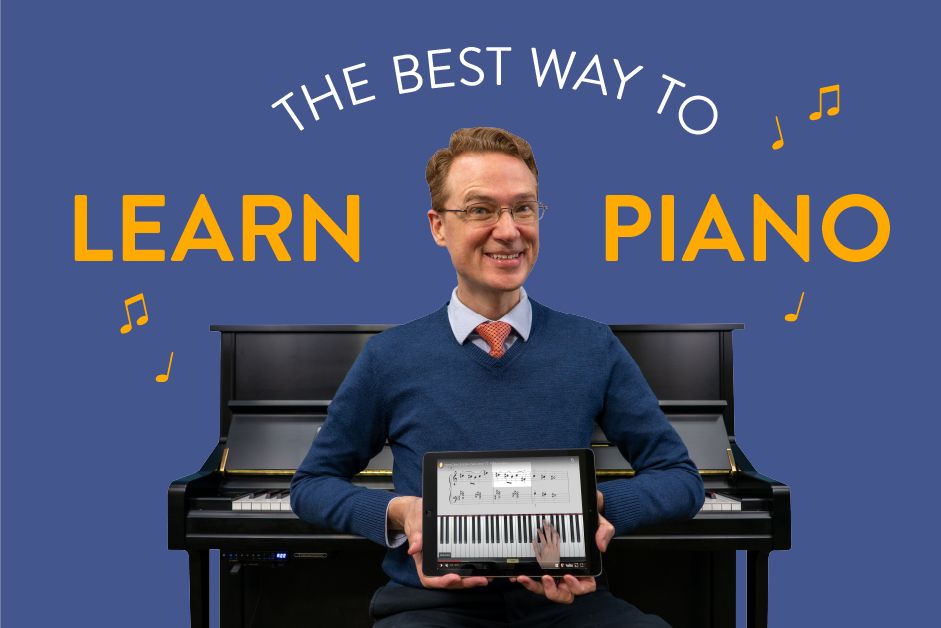
Simply Piano provides self-paced digital instruction for students aged 6 to 12 years. The software listens to acoustic pianos and digital keyboards through the device microphone, delivering real-time acoustic pitch recognition and rhythmic scoring.
The structured curriculum guides students through classical pieces, pop melodies, and contemporary arrangements. Targeted drills help students improve piano sight reading, identify note stems, and read ledger lines across both treble and bass clefs.
Target age range: 6–12 years old. Compatible with 88-key digital pianos and acoustic instruments. Requires a monthly or annual subscription for full curriculum access.
Hoffman Academy: Video-Based Lessons for Beginners
Hoffman Academy delivers sequential video-based piano pedagogy modeled after traditional conservatory methods. The lessons emphasize technical fundamentals, such as relaxed wrist movement, curved finger shape, and balanced sitting posture.
Students advance systematically from single-line melodies to two-handed counterpoint and functional harmony. Each video integrates ear training, solfège singing, and music theory, accompanied by printable staff paper worksheets for offline study.
Target age range: 5–15 years old. Combines video tutorials with interactive gamified quizzes. Offers free video access alongside a premium subscription tier.
Synthesia: Visual Learning with Falling Notes
Synthesia visualizes piano repertoire through colored graphical tracks that cascade toward an on-screen keyboard. This visual mechanism helps spatial learners memorize key placements quickly before translating pieces into standard music notation.
Connecting a MIDI keyboard enables precise tempo adjustments, hand separation drills, and real-time accuracy scoring. You can test compatible 88-key weighted digital pianos at reputable piano stores NYC features if your home currently lacks a responsive instrument.
Target age range: 8 years and older. Requires a USB or Bluetooth MIDI keyboard for optimal tracking. Available as a one-time software purchase.
Flowkey: Interactive Songs for Older Kids
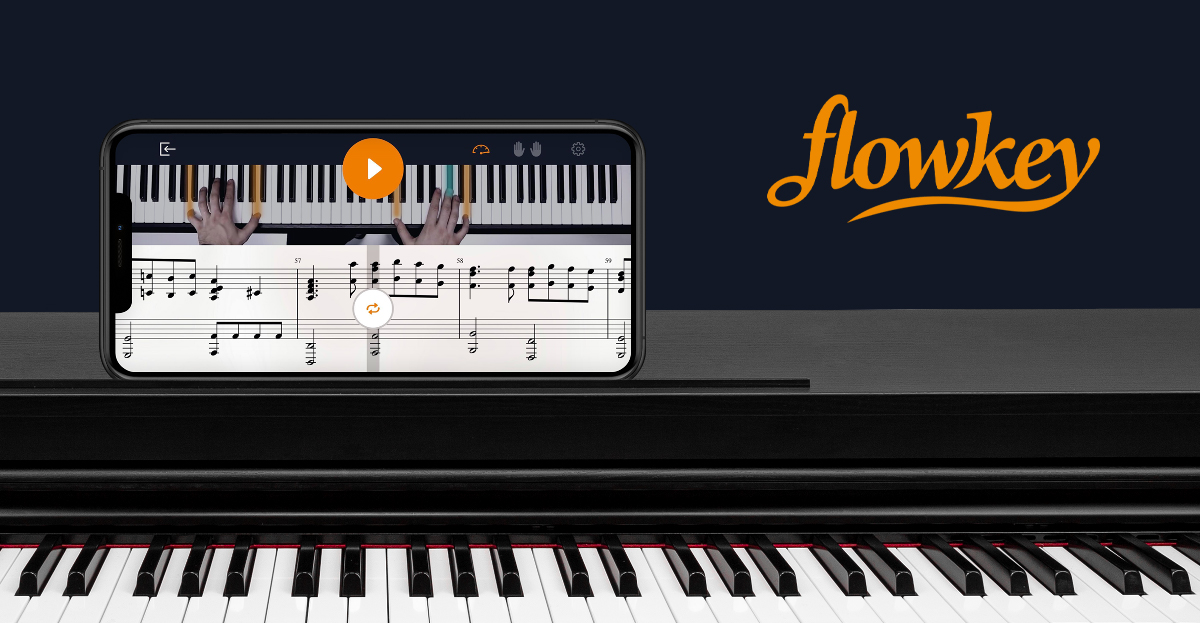
Flowkey bridges software practice with conventional music reading by combining split-screen video demonstrations with dynamic sheet music. Pianists aged 10 and older benefit from synchronized overhead hand footage that models proper fingering and phrasing.
The library features classical sonatas, pop tracks, and essential jazz standards piano arrangements arranged across four difficulty tiers. Flowkey includes looping tools, slow-motion playback, and note-wait functions that pause until the student strikes the correct key.
Target age range: 10–16 years old. Functions with acoustic pianos and digital keyboards. Requires a subscription for unrestricted catalog access.
Fun Offline Piano Games to Play on the Keyboard
Physical keyboard games develop tactile fluency, ear training, and keyboard geography without digital screen fatigue. Tactile drills anchor fundamental concepts directly to the 88 keys of an acoustic or digital piano.
Parents and instructors can incorporate these interactive games into daily practice routines. Hands-on keyboard challenges build three core musical capabilities: spatial awareness, rhythmic precision, and active listening.
Find the Black Notes: A Navigation Game
Find the Black Notes teaches keyboard geography through tactile pattern recognition. Beginning students identify alternating two-black-key and three-black-key clusters across the entire keyboard width, establishing reliable spatial orientation for middle C.
Instructors start with visual identification before progressing to blindfolded tactile searches using only the fingertips. These exercises strengthen spatial muscle memory, hand independence, and keyboard navigation during early sight-reading stages.
Required materials: An 88-key acoustic or digital piano. Recommended for beginners aged 4 years and older.
Roll the Dice for Practice Repetition
Dice games transform technical repetition into an engaging practice routine. Students roll standard six-sided dice to determine the number of repetitions for difficult measures, scale patterns, and arpeggios, aligning directly with structured memorizing music tips.
Custom dice can incorporate specific musical variables on each face, such as dynamics (forte, piano), tempos (andante, allegro), and articulations (staccato, legato). Rolling multiple dice creates randomized interpretive challenges that reinforce deliberate practice habits.
Required materials: Standard numbered dice or customized music dice. Suitable for all repertoire levels.
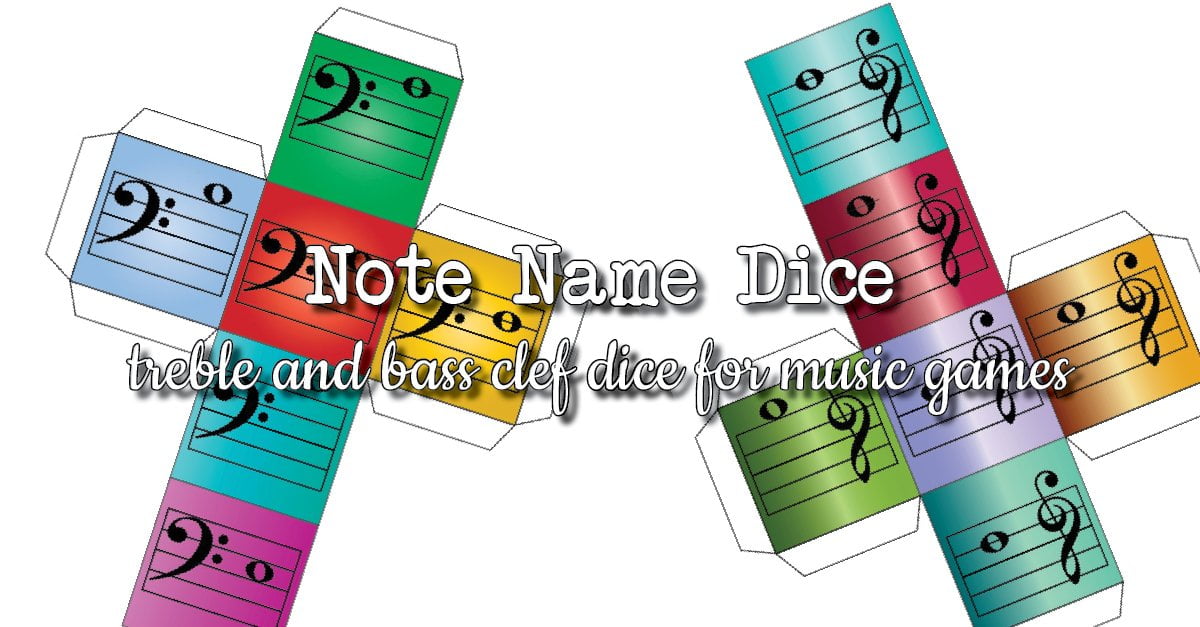
Treble Clef / Bass Clef Note Naming Games
Clef identification games build reading automaticity by connecting printed notes to physical keys. Students draw flashcards displaying treble clef or bass clef pitches, name the letter, and immediately strike the corresponding piano key to hear the acoustic pitch.
Timed 60-second sprints challenge students to identify consecutive landmark notes, including bass F, middle C, and treble G. Auditory feedback verifies reading accuracy far more effectively than silent paper drills.
Required materials: Grand staff flashcards, a stopwatch, and a piano keyboard. Suitable for students aged 5 years and older.
Name That Rhythm: Interactive Listening Game
Name That Rhythm develops rhythmic transcription and aural processing through call-and-response clapping. An instructor or parent claps a specific meter, and the student matches the acoustic pattern to flashcards showing quarter notes, half notes, or eighth-note pairs.
Reversing the roles allows the student to clap printed notation for the listener to identify. This interactive exchange builds internal pulse, subdivision accuracy, and meter comprehension in standard time signatures.
Required materials: Rhythm flashcards and an optional metronome. Adaptable for individual or sibling study.
Can Kids Learn Piano Effectively with Just an App?
Children can learn basic pitch names and note locations using standalone apps, but digital software cannot replace comprehensive musical instruction. Applications excel at visual gamification and practice motivation, yet they lack the tactile sensitivity to monitor physical mechanics.
Software algorithms cannot correct collapsed knuckles, tense wrists, improper bench height, or excessive arm tension. Without personalized guidance from an experienced instructor, self-taught children frequently develop biomechanical habits that cause fatigue and limit advanced technical progress.
The most effective educational model pairs digital applications with qualified in-person instruction. Software maintains daily practice momentum between sessions, while professional instructors cultivate proper posture, tone production, dynamic balance, and artistic expression.
Benefits of Gamifying Piano Practice for Preschoolers
Gamifying piano practice benefits preschool children by transforming abstract musical notation into engaging, concrete activities. Early childhood learners aged 4 to 6 years possess developing attention spans that thrive on play-based challenges, visual feedback, and incremental achievement milestones.
Interactive game mechanics stimulate three key developmental areas: fine motor dexterity, auditory pitch discrimination, and rhythmic coordination. Digital badges, visual trackers, and colorful scoring systems encourage consistent 15-minute daily practice sessions without parental pressure.
Multisensory gaming accommodates visual, auditory, and kinesthetic learning styles simultaneously. Immediate sound effects and visual rewards reinforce steady practice habits, preparing young minds for structured conservatory curricula.
Why Combine Apps with Private Piano Lessons in New York City?
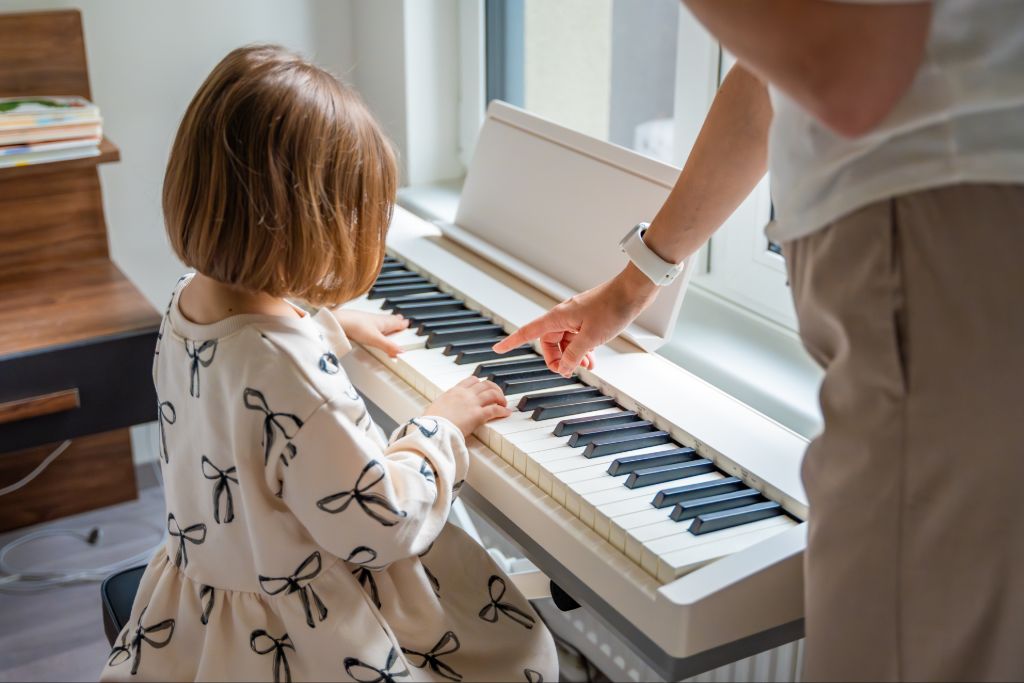
Combining educational software with in-home private instruction delivers the optimal musical education for New York City families. Apps provide daily practice structure, while professional mentors provide the tactile guidance and artistic modeling that software cannot replicate.
Founded on May 12, 2010 by pianist James Harrison, PrivatePianoLessons coordinates private 1-on-1 instruction across Manhattan, Brooklyn, The Bronx, Staten Island, and the piano lessons Queens households rely on. Our dispatch headquarters at 817 W End Ave, New York, NY 10025 supports 48 degreed instructors—each holding a Bachelor of Music or higher and fully background-checked—who travel directly to student living rooms with 0 USD travel fees.
Local instructors understand urban household logistics, from instrument placement to navigating the piano moving cost NYC apartments require. Students learn comfortably on their own acoustic pianos or 88-key weighted digital keyboards, following an 8-level curriculum aligned with RCM and ABRSM standards with lessons available from 07:00 to 21:00 seven days a week.
FAQ – Frequently Asked Questions About Piano Apps and Lessons
Can children learn piano effectively using only an app?
Children cannot learn piano effectively using only an app because software cannot correct physical posture, wrist tension, finger mechanics, or musical expression.
While software provides valuable practice tracking and pitch validation, apps cannot detect biomechanical strain or tailor expressive interpretation. Combining interactive digital tools with weekly in-home instruction ensures proper technical development alongside high student engagement.
What are the key benefits of gamifying piano practice for preschoolers?
The key benefits of gamifying piano practice for preschoolers are increased focus, immediate auditory reinforcement, and sustained daily motivation through play.
Gamified drills transform abstract notation into concrete visual milestones. This play-based format supports short attention spans, builds early finger dexterity, and fosters positive practice associations before formal conservatory training begins.
Why is combining apps with private lessons recommended, especially in New York City?
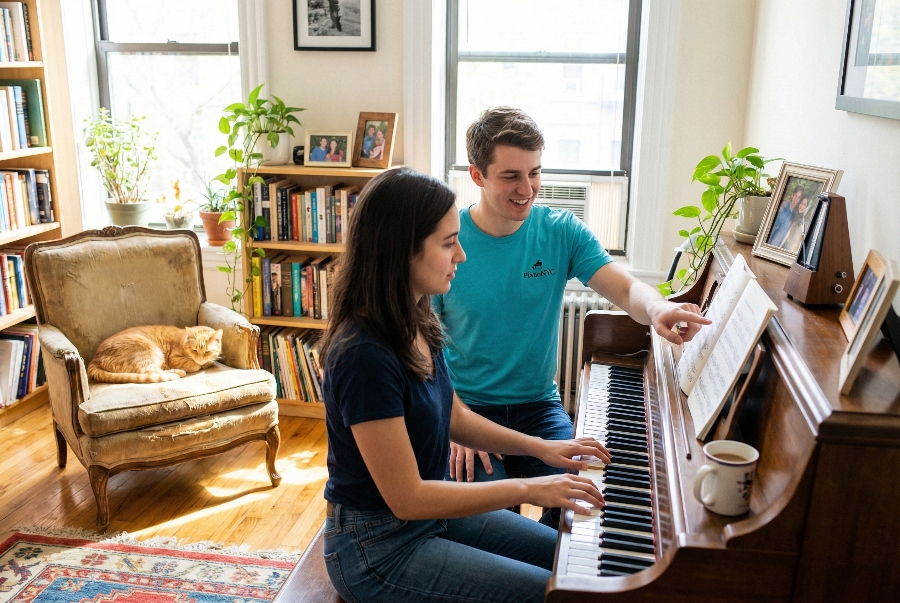
Combining apps with private lessons is recommended in New York City because it pairs digital practice tracking with personalized, in-home technique correction to maximize busy student schedules.
In-home private lessons eliminate transit time across NYC boroughs while ensuring students receive professional instruction on their own piano. Software applications then maintain practice accountability and track assignments between weekly teacher visits.
